
Solution for Operations
Frontline staff training for operations teams
New-hire onboarding and procedure changes that reach the floor the same day, in 60-to-90-second lessons on the phone, with a record of who saw them by shift and branch.
Good morning, Pedro
5-day streak!
Come back tomorrow to reach 6 days
Continue with
Safety · Module 1 of 2
Machine lockout and tagout
1 of 2 modules
Your team today
Morning shift
- people
- 18
- average progress
- 81%
- need attention
- 2
- Inactive
Hugo R.
Hasn't opened Lockout and tagout yet
- At risk
Elena M.
No progress in 15 days
The short answer
How do you train frontline staff without pulling them off shift?
With short lessons people take on their phone, between one task and the next. Simón turns your manuals, onboarding and procedures into 60-to-90-second micro-lessons, publishes them to the areas and branches you choose, and shows you who finished them and who understood them.
For an operations leader that solves two problems at once: new hires learn the standard without depending on the manager's time, and a procedure change reaches the floor the same day, with a record of who opened it and who hasn't yet.
Your people sign in from the phone's browser with their phone number or employee ID and a PIN. Nothing to install and no corporate email.
What changes in your operation
Onboarding, procedures and traceability in one place
New-hire onboarding
Upload your onboarding manual and Simón turns it into a course of micro-lessons with quizzes and a final exam. Your team reviews and approves it before it goes live.
Procedure updates
Publish a short piece (video, audio, document, carousel or infographic) only to the workspaces and areas that need it, now or scheduled, with an in-app notice.
A record of who saw it
Each piece shows its reach, who opened it and a named list you can filter to those who haven't opened it yet, downloadable in Excel or CSV.
Supervisors who see their team
Each area can have a supervisor who follows their people's progress in their own team view and gets a daily summary of how many people completed each course.
Traceability by shift and branch
Set up workspaces, areas and sub-areas the way your company runs (region, branch, shift) and slice every report by that same structure.
Evidence from the point of work
Hands-on activities with a photo or voice note that Simón assesses with AI against a rubric. Unclear cases go to your team for review.
A procedure change, step by step
From the new document to the floor, the same day
Upload the procedure
The document, deck or photo of the instructions you already have. Simón turns it into a short piece your team reviews before publishing.
Choose who gets it
By workspace, area or sub-area. Before publishing you see how many people it will reach.
Publish or schedule
It goes out right away or at the date and time you set, in your account's time zone, with an in-app notice.
See who opened it
Reach, opens and the list of people who haven't opened it yet, so you can follow up.
Evidence from the point of work
A photo tells you whether the procedure was followed
With a hands-on activity, the person uploads a photo from their workstation and Simón assesses it against the rubric. Anything unclear goes to someone on your team for review.
Hugo R.
Machine 4 lockout
Let's review it together
- Lock in place: Not met
- Tag with name and date: Not met
Reports for operations
You know who finished, who understood and who never signed in
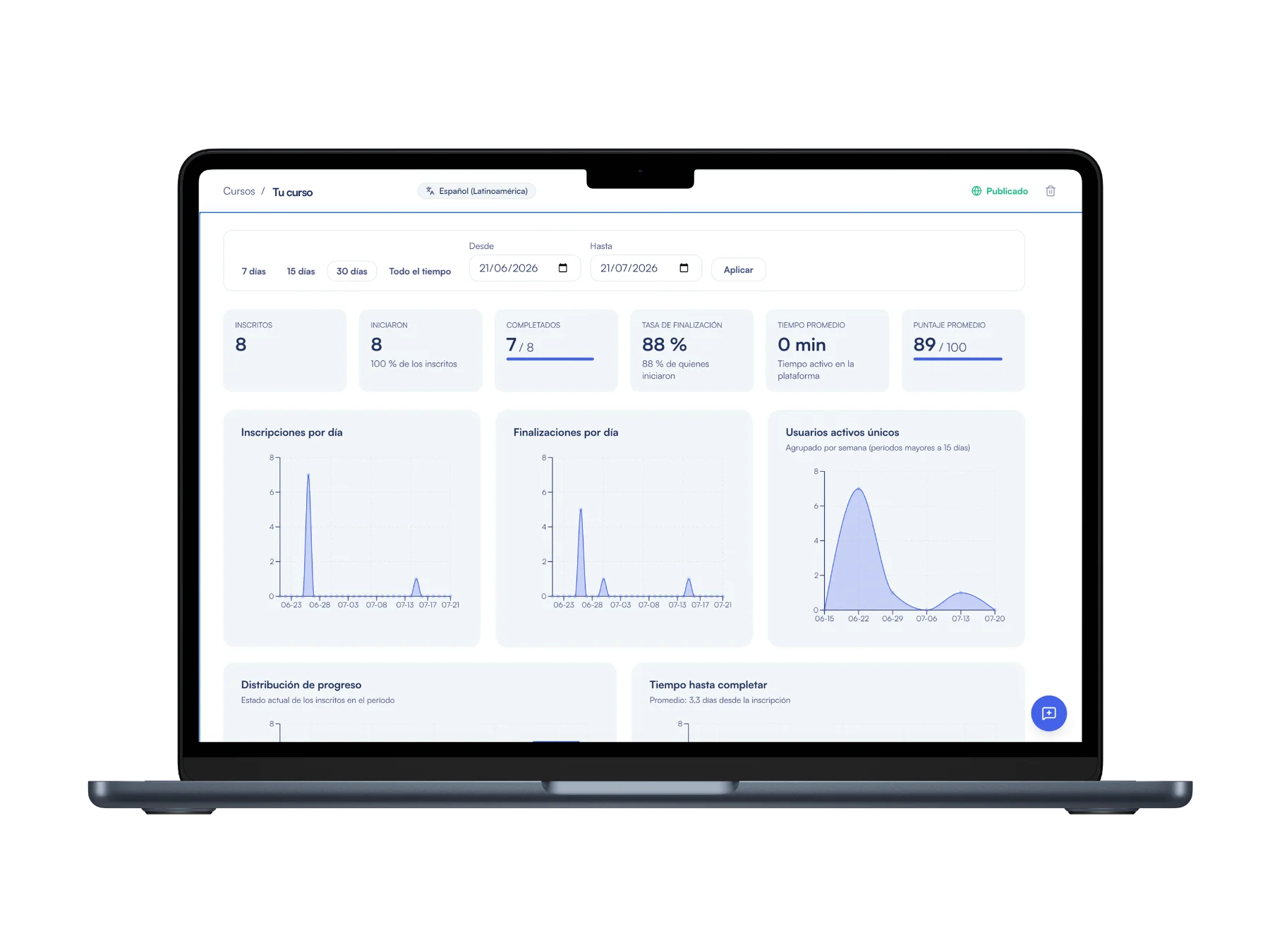
Your account dashboard answers two questions by area and branch: did they finish, and did they understand? You see who has never signed in, who hasn't been back in 14 days or more, completion by course and the questions people miss most.
In the reporting section you build your own cuts by workspace, area, sub-area, course or person, save them and schedule them to arrive by email daily, weekly or monthly, in Excel or CSV.
- Completion by area, course and person
- First-attempt mastery and most-missed questions
- People at risk: 14 or more days without signing in
- Scheduled report delivery by email
Published results
What we measured in the programs Simón took part in
Completion rate
Observed in programs where Simón took part, against a 15% benchmark average for traditional formats.
Worker CSAT
Satisfaction reported by people who took the lessons on the floor.
Program NPS
Measured with floor users at the close of each program.
Applied what they learned
Put at least one skill into practice in the week after the course.
Data from the first half of 2026 (January to June) in the programs Simón took part in. On-the-job application comes from the impact report (closing survey, self-reported).
Frequently asked questions about frontline staff training
How do I onboard frontline staff with Simón?
Upload your onboarding material (a manual, a deck or whatever document you use today) and Simón builds a course of micro-lessons with assessments. You review it, publish it to the new-hire area and each person takes it on their phone. The dashboard shows who finished, who is halfway and who never signed in.
How do I confirm a procedure change reached the whole floor?
Every published piece has its own metrics page: how many people it reaches, how many opened it and a table with name, area and when they opened it. You can filter to only those who haven't opened it and download the list in Excel or CSV.
Does my staff need a corporate email or an app download?
No. Each person signs in from the phone's browser with their phone number, employee ID or email and a 4-digit PIN. They don't need to install anything; coming soon, native Android and iPhone apps will add course downloads to watch offline.
How do I add hundreds of people?
With a bulk Excel upload of up to 1,000 people per file, including their areas, or with each area's registration link and QR code, so whoever signs up lands in the right area.
Does it work in branches with a weak signal?
Yes. Video is short, compressed and optimized for slow networks, and if the signal drops, progress is saved on the phone and sent automatically when the connection returns.
Keep exploring
More on frontline training
Reports by branch
Who finished, who understood and what to reinforce, by area and person.
Access with no app or email
How your staff sign in with a phone number or employee ID and a PIN.
Training for retail
Onboarding for high turnover and seasonal peaks on the sales floor.
For training / L&D teams
How your training team publishes more courses with the same headcount.
Guide: training frontline staff
How to train without pulling your people off shift, step by step.







Take your next procedure to the floor with Simón
Book 30 minutes: bring a manual or a procedure and we'll show you how it reaches your team's phones and how you see who has already seen it.
No card · Cancel anytime
Multi-country operation, bulk user onboarding or HR integration? We support you site by site.